
Your internet. Measured and finally understood.

100% free · Unlimited tests · iPhone, iPad and Mac

From measurement to your network. In a few screens.

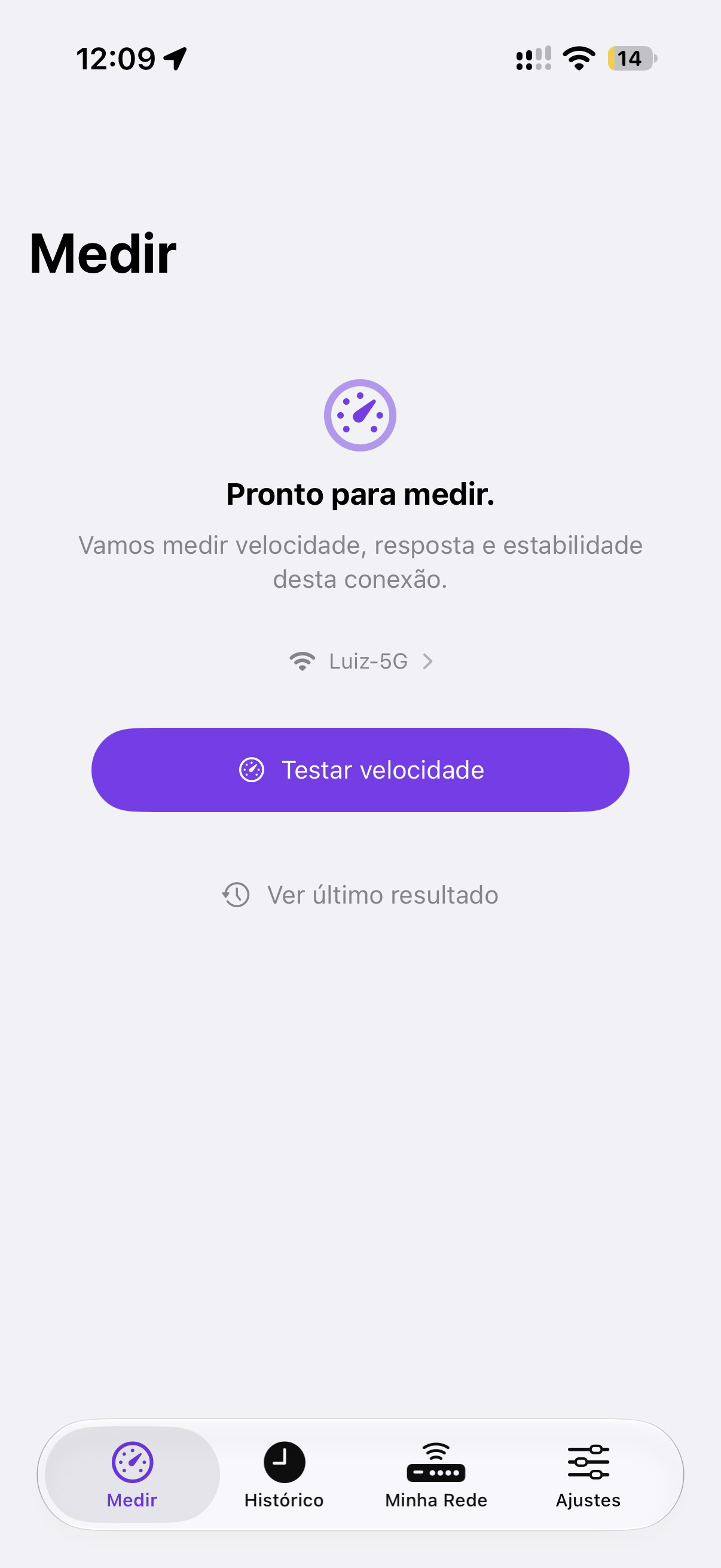
Linka running a live connection test

Your connection does not need an engineering manual.

Conventional meters

  • jitter: 14.2 ms · bufferbloat: Grade D
  • RTT p95: 42.8 ms · packet loss: 0.8%
  • MTU 1500 bytes · DNS lookup: 32 ms
  • throughput: 384.6 Mbps (TCP, 8 streams)

How Linka translates

  • Video calls Great for meetings
  • Movie streaming 4K Ultra HD
  • Online games Stable (24 ms)

The network concierge that investigates with you.

Coverage diagnosis

The difference between rooms points to the Wi-Fi signal barrier.

If the test next to the router delivers the speed you pay for and the bedroom drops sharply, the bottleneck is not your internet plan but the physical obstacles (walls, mirrors, distance) in the signal path.

  1. Take a measurement next to the router and another in the bedroom.
  2. Compare both readings saved in Linka’s history.
  3. If the drop is confirmed, move the router somewhere higher or add a mesh node.

Measuring is the start. Understanding it fully is Linka+.

R$ 34.90 per year. Billing and management by Apple.

Subscribe on the App Store
  • Unlimited AssistGuided diagnosis for home network problems.
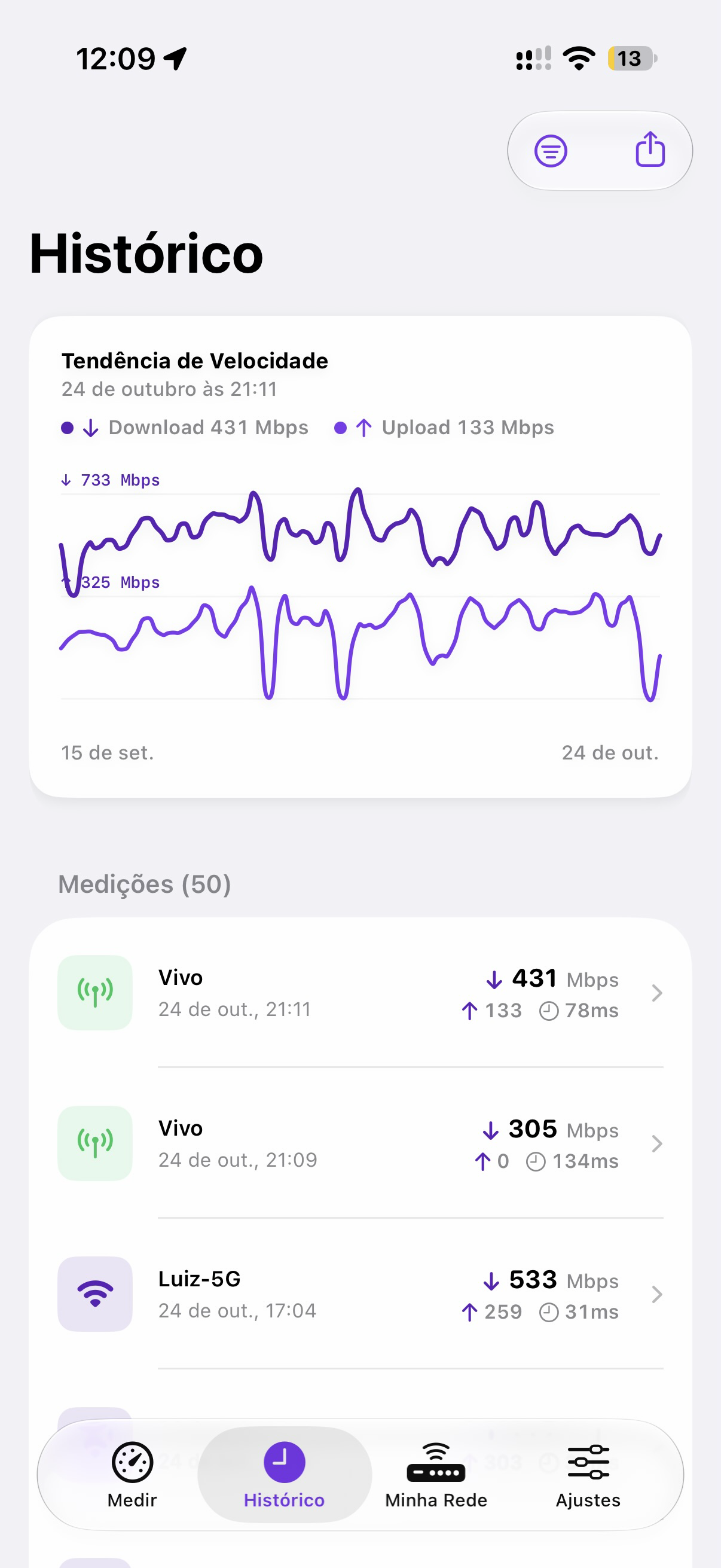
  • History patternsSignal and stability variations between measurements.
  • Advanced Wi-FiRadio and frequency, when iOS allows it.
  • No adsOnly your diagnosis, with no advertising.

Others show numbers. Linka shows what they mean.

CriterionLinkaTypical speed tests
LanguageClear, direct and focused on real useDense jargon (RTT, jitter, MTU, streams)
PrivacyNo account needed to measureOften require sign-up and tracking
InterpretationAdvisory network Assist (Linka+)No guidance on what to do
HistorySaved privately on your deviceUsually needs a third-party public cloud
CompatibilityiPhone, iPad and Mac (Apple Silicon)Generic apps with heavy ads

Your internet under control. No guessing.

Download on the App Store