

‹ All features

The concierge for your network.

Understand this measurement and Analyze my connection in Linka

Start with a question about your connection.

Conclusion

The difference between tests can point to Wi-Fi.

If the test near the router delivers close to what you pay for and the bedroom drops a lot, the difference points to the signal along the way.

  1. Test next to the router, then in the bedroom.
  2. Compare both results in Linka.
  3. If the drop repeats, consider moving the router.

Illustration of the type of answer. Real content depends on your measurement and the information you provide.

From measurement to guidance.

01

Entry

Open Assist from a result or from the diagnosis area.

02

Investigation

Assist uses the data available and asks for context when it needs it.

03

Answer

A direct conclusion, reasoning, evidence and what to do next.

04

Action and retest

After the guidance, run the test again to compare.

A direct conclusion. And the reason behind it.

Conclusion

The direct answer, right at the start.

Reasoning

Why Assist reached it.

Context

The measurement and network data available, when relevant.

Evidence

Collapsible, so you can check the data used.

Guidance

What to do, in simple steps.

Follow-up

A follow-up question, copy or save.

Speed tests give you the number. Assist helps you understand it.

CriterionLinka + AssistTypical speed tests
Reading the resultExplains the reason in plain languageJust the number
Questions about the networkQuestions about the measurement and the networkNone
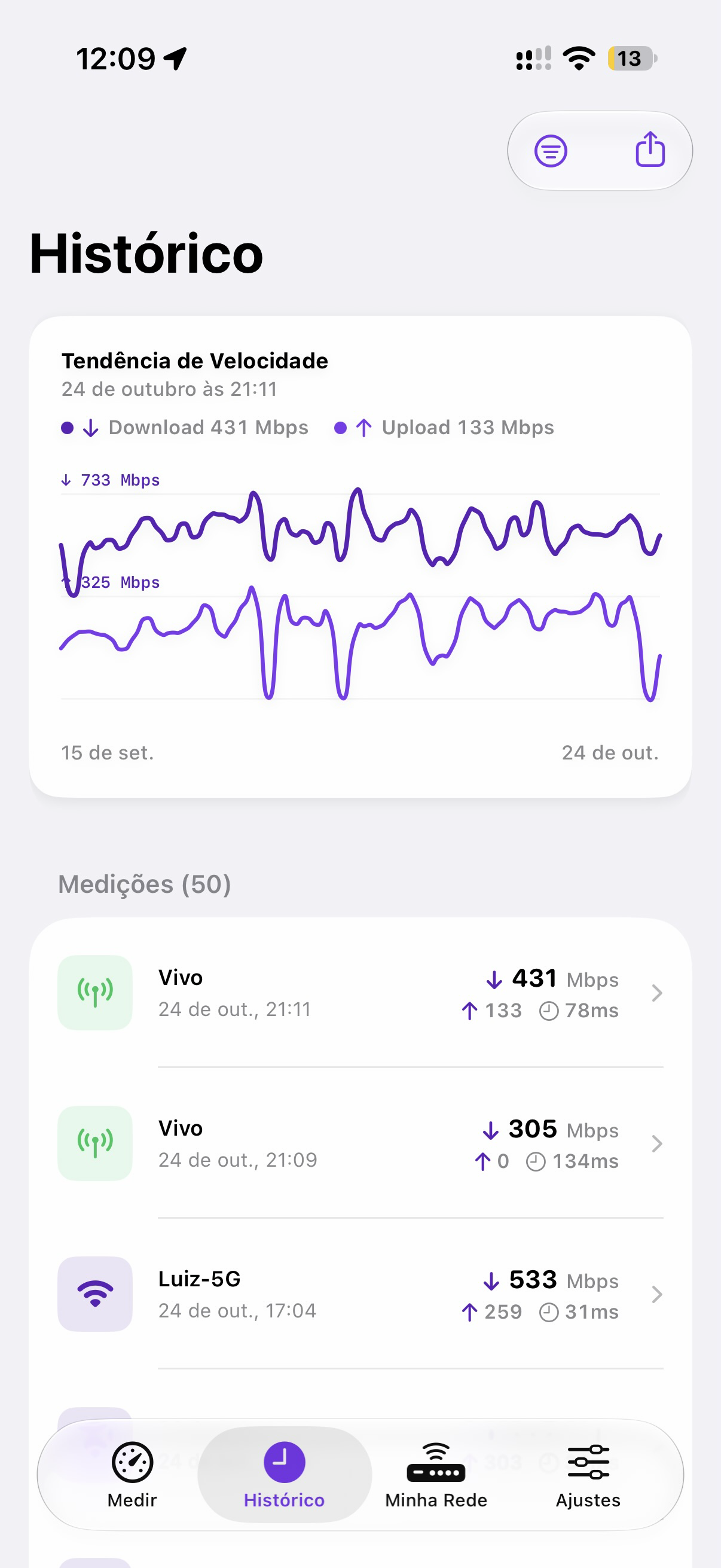
HistoryHelps compare measurementsCompares with other users, or nothing
Wi-FiShows available dataNone
Action on the networkGuides; you decideNot applicable
Data and accountNo account needed to measureOften require an account

You are in control.

Data-based

Answers start from your measurement and what you told it. No invented conclusions.

Consent

See the Privacy Policy for which data is used.

No automatic action

Assist guides. No answer changes anything on your network by itself.

Honest when data is missing

Without enough information, it says so and asks for what is missing.

Frequently asked questions

Does Assist need a speed test?

Assist uses the measurement and other available data to answer with more context.

Does Assist change my network settings?

No. It guides and explains. You make any change.

Is my data sent anywhere?

Assist uses the data needed to answer the question. See the Privacy Policy for details.

Do I need to create an account?

No. Linka works without registration or login.

Which devices is it available on?

The Linka app runs on iPhone, iPad and Mac. The initial Assist integration is for iPhone and iPad.

Ask Assist about your network.

Download on the App Store